

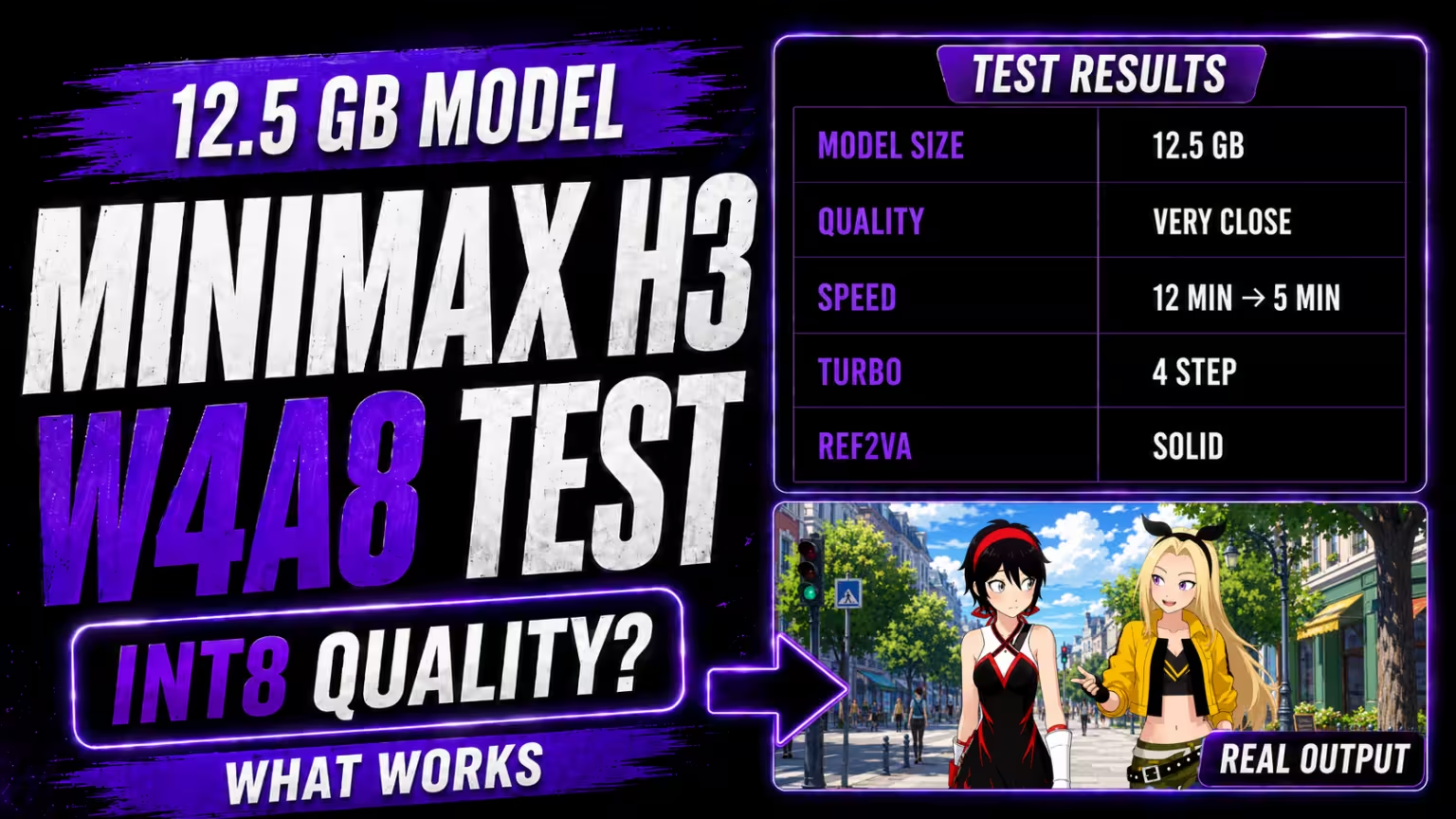
I tested the MiniMax H3 W4A8 model in ComfyUI, and the first thing that stands out is its size.
The FL2VA W4A8 file I tested is only around 12.5 GB. In my 15-second comparison, I could not see a clear visual quality difference between W4A8 and the larger INT8 model.
But when I started adding speed optimizations, the results became more interesting. Some settings saved several minutes, while others damaged motion, image quality, or audio.
Here is what worked in my tests.
MiniMax H3 W4A8 vs INT8
I kept my existing MiniMax H3 workflow unchanged and replaced only the diffusion model with the W4A8 version.
For the first comparison, I generated the same 15-second scene that I had already tested with the INT8 FL2VA model.
I could not see an obvious quality difference between the two in this example.
The W4A8 generation took around 12 minutes on my RTX 5090.
This is only one controlled test, so I would not say W4A8 always matches INT8. However, the result was much better than I expected from such a smaller model file.
Before testing these experimental files, I recommend updating ComfyUI to the latest version. The official MiniMax H3 guide currently requires ComfyUI 0.30.0 or newer for native H3 workflows.
Testing Sol Attention
Next, I tested Sol Attention using the MiniMax H3 Scheduled Sol Attention Patch node.
The current Sol Attention project lists support for NVIDIA SM89, SM90, SM100, SM120, and SM121 GPUs. RTX 3090 uses SM86, so it is not currently listed as supported by this implementation.
Without Sol Attention, my W4A8 test took around 12 minutes.
With Sol Attention, it finished in about:
9 minutes 11 seconds
That saved roughly three minutes.
However, the output was not identical.
The camera moved even though I wanted it to stay fixed, and one hand looked less clean.
I also changed tau_start to 1.0 and tested again. That run took about 9 minutes 9 seconds, so the generation time was almost unchanged.
Sol Attention clearly improved speed in my test, but I would compare the motion carefully before using it for every final render.
SageAttention and EasyCache Test
I then bypassed Sol Attention and enabled:
- SageAttention
- EasyCache
The generation time dropped to around:
5 minutes
That was much faster.
Unfortunately, the quality also dropped, and the audio was not as clear.
I did not want to guess which optimization was causing the problem, so I disabled only EasyCache and kept SageAttention enabled.
The next run took around:
9 minutes
But the result looked much better.
In this particular workflow, EasyCache was the setting that caused the biggest quality problem for me.
This does not mean EasyCache will break every MiniMax H3 workflow. It means I would test it carefully before using it for an important generation.
ComfyUI officially supports SageAttention as an optional H3 speed optimization.
W4A8 With MiniMax H3 Turbo LoRA
I also wanted to see whether the smaller W4A8 model worked with the MiniMax H3 Turbo LoRA.
I connected the Turbo LoRA after the diffusion model and used the Turbo sampler with:
Scheduler: Simple
Steps: 6
The result was good, although I could still see some quality loss.
For closer face shots with less movement, I think this combination can work much better.
I also disabled the optimization nodes that had caused motion problems in my earlier tests. Once they were removed, the movement improved.
So in my testing, W4A8 worked with the Turbo LoRA.
For more quality, I would also compare the same scene at 8 steps.
Testing the Smaller Compressed VAE
Kijai’s experimental repository also includes a compressed video VAE of around 3.17 GB.
I replaced my existing video VAE with this smaller version and generated the same type of scene.
When I compared it with my previous 6-step result, I could not see a clear quality difference.
That makes the compressed VAE another interesting option to test alongside W4A8.
Ref2VA W4A8 Test
Finally, I moved to the reference workflow.
For this test, I used:
- Ref2VA W4A8
- Kijai’s experimental rank-256 reference LoRA
- Compressed VAE
I generated a 10-second reference video.
This was one of the most promising tests.
The image quality looked good, the motion worked well, and the sound was also good.
The reference LoRA is experimental, so I would still test it against the normal Ref2VA workflow before using it for an important project.
My W4A8 Results
Here is the simple summary from my tests:
| Test | My result |
|---|---|
| W4A8 vs INT8 | No clear visible quality difference in my test |
| Normal W4A8 | ~12 minutes |
| Sol Attention | ~9 min 11 sec, but motion changed |
Sol with tau_start 1.0 | ~9 min 9 sec |
| SageAttention + EasyCache | ~5 min, but quality/audio dropped |
| SageAttention without EasyCache | ~9 min and better quality |
| Turbo LoRA at 6 steps | Good, with some quality loss |
| Compressed VAE | No clear quality difference in my test |
| Ref2VA W4A8 + reference LoRA | Good quality, motion, and sound |
Is MiniMax H3 W4A8 Worth Using?
For me, yes.
The biggest advantage is the much smaller model file. My 12.5 GB W4A8 test looked surprisingly close to INT8.
But smaller model size does not automatically mean lower VRAM usage or faster generation. Runtime memory and speed also depend on the workflow, resolution, video length, attention method, caching, and other settings.
The biggest lesson from my testing was not to enable every optimization simply because it makes the generation faster.
My fastest setup reached around 5 minutes, but the quality and audio became worse.
For this workflow, I would rather use a slightly slower setup that keeps the motion, face, and audio clean.
If you are struggling to load the larger MiniMax H3 model files, W4A8 is definitely worth testing.

