

By aistudynow news
September 5, 2025
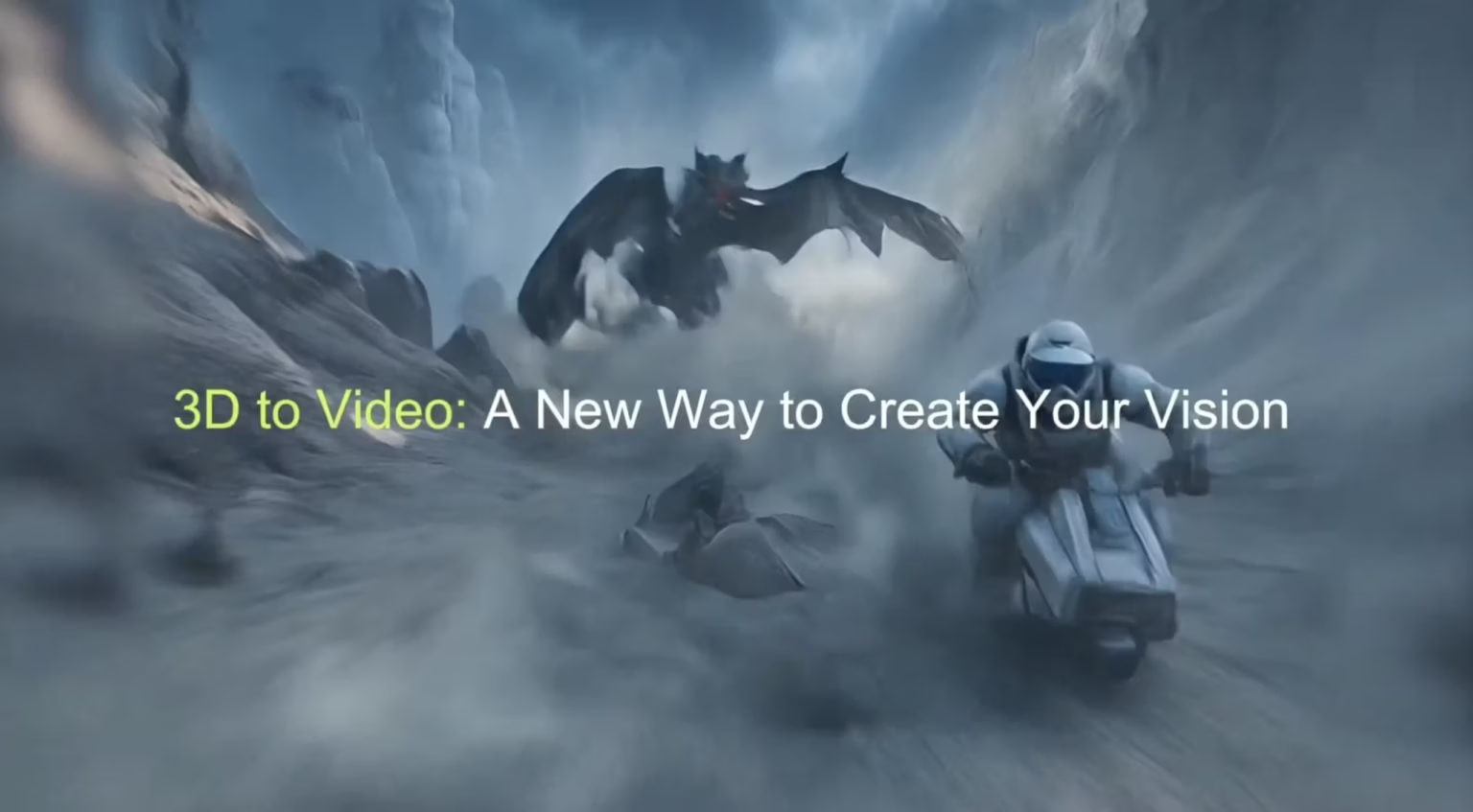
Meshy AI has added “3D to Video”, allowing you to build a 3D scene inside the Meshy editor, create an image from that scene, and then seamlessly turn it into a short video without the need for extra software or export and import processes. The Help Center shows the full flow and a short demo video.
What’s new
Everything is contained in one location. This feature is ideal for creating quick clips that can be shared in demos, explainers, or social posts.
How it works
- Open the 3D editor in Meshy.
- Go to Workspace, pick “3D to Image”.
- Add models with the on-screen gizmos. Set the camera with orbit, pan, and zoom. Tweak background and lighting.
- Preview and save the image. The documentation includes references to GPT and Flux models, which are integral to the image generation process. Preview and save the image.
- Meshy Help Center. Pick 5 seconds or 10 seconds. Choose an aspect ratio like 1:1 or 16:9. Additionally, the documentation notes that a 9:16 aspect ratio is available for converting text to video, which may be relevant for specific use cases. Preview and save the image.
Sources
