

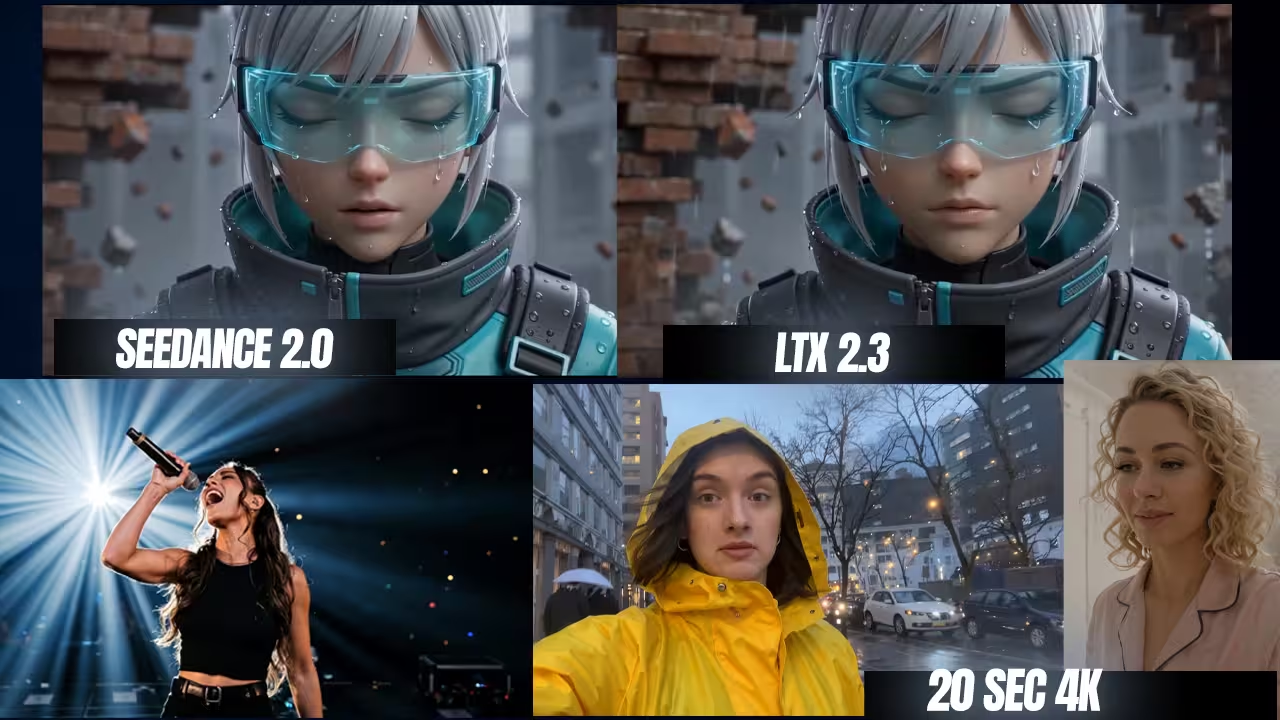
High-quality local video is finally here. LTX-2.3 is a massive video engine. It runs directly on your computer. It completely replaces older digital tools. The new version brings a rebuilt VAE for sharper textures, native 9:16 portrait support, and perfect native audio generation.
Running this model inside ComfyUI is difficult. Users often fight empty JSON errors, out-of-memory crashes, and ugly grid artifacts. I solved these problems.
This guide gives you the exact files you need to download. I will show you the strict math rules for video sizing. I will also share the secret workflow tricks required to stop character faces from drifting. Let us build your local AI video studio right now.
The Required Model Files for LTX-2.3
To run LTX-2.3 properly, you must download the main diffusion model, the dual text encoders, the split VAE files, and the upscalers. Download these files.
The full model requires 32 gigabytes of VRAM. If your graphics card has less memory, you must download the FP8, FP4, or GGUF quantized models to avoid crashing.
Place these exact files into your ComfyUI folders:
- Main Diffusion Models: Download ltx-2.3-22b-dev.safetensors (42 GB) or ltx-2.3-22b-distilled.safetensors (42 GB). Use these if you have 32GB+ VRAM. The Dev file is the main high-quality engine. The Distilled file is the fast 8-step engine.
- FP8 Quantized Models: Download ltx-2.3-22b-dev-fp8.safetensors or ltx-2.3-22b-distilled_transformer_only_fp8_input_scaled.safetensors (23.5 GB – 29 GB). Created by Kijai, these save massive video memory for 16GB to 24GB cards.
- GGUF Low VRAM Variants: Download the Unsloth and QuantStack GGUF models designed for extreme low VRAM setups. Options include Q8_0 (25.5 GB), Q6_K (21 GB), Q5_K_M (19.4 GB), Q4_K_M (17.8 GB), Q3_K_M (14.7 GB), and Q2_K (12.4 GB).
- Speed LoRAs: Download ltx-2.3-22b-distilled-lora-384.safetensors (7.61 GB) or the FP8 Distilled LoRA by drbaph (1.92 GB). Attach this to the main Dev model to render your video in just 8 steps.
- Primary Text Encoders: Grab the Gemma 3 12B IT model to expand short prompts. Options include
gemma_3_12B_it.safetensors(24.4 GB),gemma_3_12B_it_fpmixed(13.7 GB),gemma_3_12B_it_fp8_scaled(13.2 GB), orgemma_3_12B_it_fp4_mixed.safetensors(9.5 GB). Use the FP4 version for low system RAM. - GGUF Text Encoder: Download gemma-3-12b-it-Q4_0.gguf. Use this alongside the GGUF main models.
- Uncensored Text Encoder: Get the “abliterated” Gemma 3 encoder by FusionCow. Files include Gemma ablit fixed (bf16 23.5 GB, fp8 13.8 GB).
- Secondary Text Encoders: Download ltx-2.3_text_projection_bf16.safetensors or mmproj-BF16.gguf. This connects the Gemma 3 prompt data directly to the visual engine.
- Split VAE Architecture: Download LTX23_video_vae_bf16.safetensors (1.45 GB) to draw the pixels. Download LTX23_audio_vae_bf16.safetensors (365 MB) to build the synchronized audio waves.
- Upscalers: Download ltx-2.3-spatial-upscaler-x2-1.0.safetensors (996 MB) and ltx-2.3-spatial-upscaler-x1.5-1.0.safetensors to multiply resolution. Get ltx-2.3-temporal-upscaler-x2-1.0.safetensors (262 MB) to increase frame rates.
(Safety Note: I have scanned all these files locally. They are safe to use.)
How to Configure ComfyUI Nodes and Math Rules
Update your software immediately. You must use ComfyUI version 0.16.1 or higher before you start. Go to your Manager. Search for “LTXVideo” and install the ComfyUI-LTXVideo custom nodes. Restart your software.
Place your models into their exact respective folders to stop the software from ignoring your files.
- Put the main model in your
models/checkpointsfolder. - Move the Gemma 3 files and the text projection files into the
models/text_encodersfolder. - Place both VAE files into the
models/vaefolder.
Load your nodes. You must use the DualCLIPLoader node for this model. Select the Gemma 3 file in the first box. Select the LTX-2.3 text projection file in the second box.
Set your video size using strict math. Your width and height must divide exactly by 32. Do not type 1080 for Full HD. It fails the math test. Type 1088 instead.
Frame counts are equally strict. Use a multiple of 8, plus one. You must use exact numbers like 25, 121, 241, or 257 frames.
Adjust your sampler. If you run the heavy Dev model without the speed add-on, set your steps to exactly 20. Set your CFG scale to 3.0. Do you want to use the Distilled LoRA? Change your steps to exactly 8. Set your CFG to 1.0.
Expert Workflow Hacks to Stop Visual Artifacts
Do not trust the default workflow templates. They have major flaws. You must change them manually.
Fix the Image-to-Video drift: The standard ComfyUI workflow compresses your input image before generation. This destroys micro-textures. It causes character faces to drift instantly. Skip the downscale node entirely. Feed your reference image at its native resolution.
Use the FFLF method: Try the First Frame Last Frame method. You input a starting image and an ending image. The model interpolates the motion between them smoothly. This gives you exact camera control. It completely bypasses the need for heavy text prompts.
Stop the audio hallucinations: If you leave the audio prompt empty, the model will invent random background music. Negative prompts do not work here. You must explicitly command the audio. Type “silent, no sound” or “the steady hum of an air conditioner” to keep the track clean.
Re-inject the guide frame: When you pass your video to the spatial upscaler, use the LTXVAddGuideMulti node. Re-inject your original reference image. This forces the upscaler to preserve the exact face details.
Stabilize high-speed motion: LTX-2.3 fails at complex action scenes. Increase your frame rate to 50 FPS. This feeds the model more temporal tokens. It helps prevent objects from turning into rubber.
Troubleshooting Common Generation Errors
Generation errors usually stem from mismatched files or outdated nodes. Read the console. Check your files.
- Ugly grid or net artifacts: Do you see a grid covering your video? You accidentally loaded the old LTX-2 upscaler. You must use the new
ltx-2.3-spatial-upscaler-x2-1.0.safetensorsfile. Short prompts lacking detail also trigger this exact visual artifact. - min() iterable argument is empty: Your text encoder API version is wrong. You probably forgot to replace the old LTX-2 text encoder with the new LTX-2.3 text projection file inside the
DualCLIPLoadernode. - DualCLIPLoader: Expecting value: line 1 column 1 (char 0): Your text encoder download failed. Hugging Face often drops connections. This leaves you with an 86 KB file instead of the full 24 GB model. Delete the small file. Download it again.
- End-of-generation crashes: Does ComfyUI crash at the very end? The VAE decode process consumes massive amounts of memory. Make sure you update your Git version of ComfyUI. The newest backend includes a massive Dynamic VRAM optimization feature enabled by default. Swap your standard VAE node for the
VAEDecodeTilednode. This prevents sudden memory spikes and keeps your graphics card alive.

