
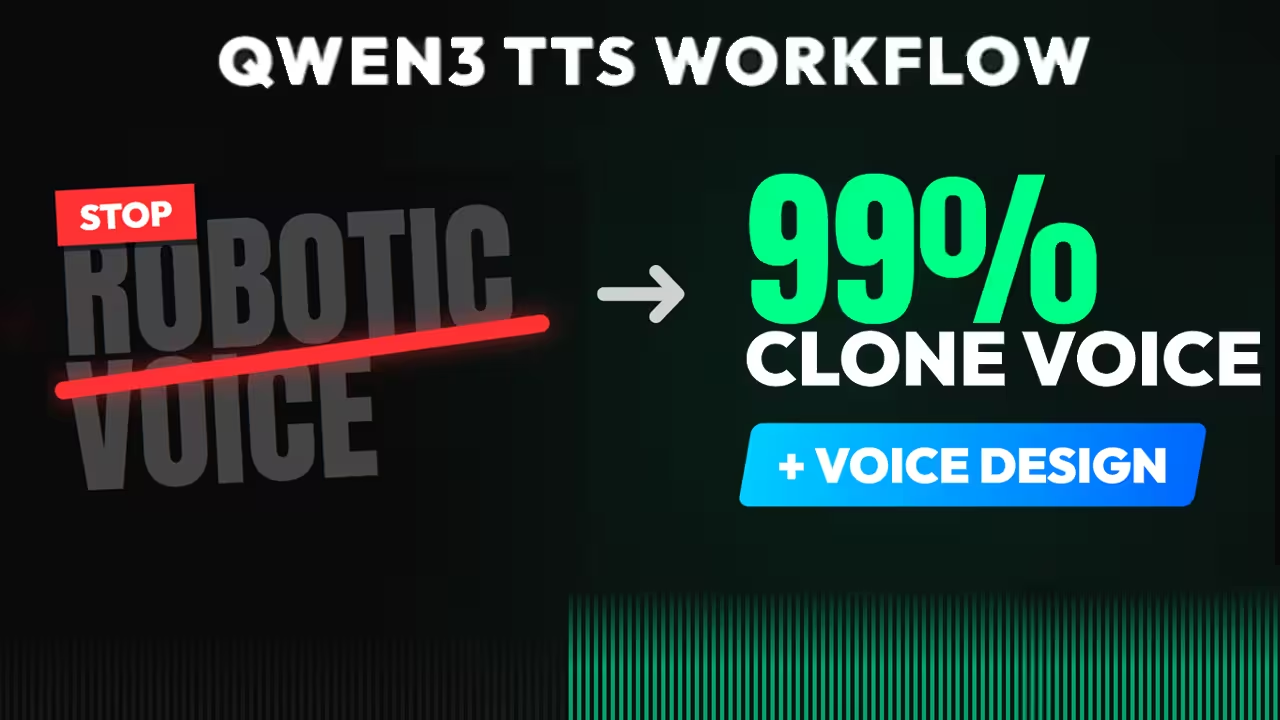
If your Qwen3-TTS output sounds like a metallic robot, cuts off mid-sentence, or if you are staring at a cudaErrorNoKernelImageForDevice on your new RTX 5090, you are using the wrong workflow.
I have spent the last week debugging the aistudynow/ComfyUI-Qwen3-TTS-Multi-character implementation. Most tutorials suggest the wrong model settings (0.6B), ignore the critical dependency conflicts between PyTorch and FlashAttention on modern GPUs, and fail to utilize the ScriptProcessor for timing.
This guide synthesizes my testing logs into a definitive fix.

The Hardware Fix (RTX 5090 & FlashAttention)
Citable Answer Block: If you see “CUDA error: no kernel image,” your PyTorch version does not support your GPU’s Compute Capability (sm_120 for RTX 5090). You must uninstall current torch versions and install the CUDA 12.8 nightly build, or disable FlashAttention entirely.
The “No Kernel Image” Fix (CUDA 13.0 vs 12.8)
The Qwen3 nodes rely on flash-attn. However, standard PyTorch builds often stop at sm_90 (RTX 40-series). You have two installation paths depending on your risk tolerance and hardware.
First, uninstall incompatible versions:
Bash
pip uninstall -y torch torchvision torchaudio flash-attn xformers
Option A: The “Bleeding Edge” Fix (RTX 5090 / Blackwell)
Use this if you are on an RTX 5090 or require CUDA 12.8 support.
Bash
pip install --pre torch torchvision torchaudio --index-url https://download.pytorch.org/whl/nightly/cu128
Option B: The “Stable” Fix (RTX 3090 / 4090)
Use this if you want the standard, tested release and do not have an RTX 5090. This is more stable but may not support the newest kernels.
Bash
pip install torch torchvision torchaudio --index-url https://download.pytorch.org/whl/cu124
The FlashAttention Decision:
- Recommended: In
Qwen3TTSLoader, select SDPA (Scaled Dot Product Attention). - Why: FlashAttention is messy on Windows. SDPA is built-in, stable, and nearly as fast.
My Testing Log: On an RTX 5090 (24GB), using standard CUDA 12.4 wheels resulted in immediate crashes. Switching to
torch-2.6.0.dev(cu128) solved the kernel panic. SDPA mode prevents the “No module named ‘flash_attn.bert_padding'” error.The Node Ecosystem (How They Work)
Citable Answer Block: The Multi-Character workflow relies on a three-stage pipeline: The ScriptProcessor (Writer) parses the text, the RoleBank (Casting Director) maps names to voices, and the AdvancedDialogue (Director) generates the audio sequentially.
If you just use the standard “Voice Clone” node, you lose control over timing and multiple speakers. Here is how the wanaigc nodes actually function:
1. ScriptProcessor (The Scriptwriter)
- Input: Your raw text file formatted with speaker names.
- Function: It breaks your text into a structured list. It programmatically detects
[pause:x]tags and separates them from the spoken text so the model doesn’t read “bracket pause bracket” out loud.- Output:
text_list,speaker_list,emotion_list.2. RoleBank (The Casting Director)
- Input: Your Voice Clone Prompts (the 15s audio clips).
- Function: It creates a “Registry.” You tell it: “Voice A is named ‘Esha’, Voice B is named ‘Narrator’.”
- Output: A mapping dictionary that the Engine uses to know which voice to use when it sees “Esha:” in the script.
3. AdvancedDialogue (The Engine)
- Input: The lists from the Processor and the map from the RoleBank.
- Function: It acts as the “Director.” It looks at line 1, sees “Esha”, fetches Esha’s voice, generates the audio, inserts the exact silence requested by the processor, and stitches it to line 2.
Model Configuration for “Perfect Realism”
Citable Answer Block: To fix robotic voices, you must use the 1.7B-Base model (bf16 precision) and disable
x_vector_only. You must also provide the exact transcript of the reference audio in theref_textfield.1. Model Selection (The 3 Variants)
In my testing, the 0.6B model consistently failed to capture emotion. You must choose the right 1.7B model:
- 1.7B-Base: Use this for Cloning (e.g., the “Esha” voice). It mimics the emotion of the reference audio.
- 1.7B-VoiceDesign: Use this to Create new voices from text prompts (e.g., “Deep narrator”).
- 1.7B-CustomVoice: Use this for the 9 internal presets (Vivian, Uncle_Fu).
2. The “Whisper Feedback” Loop
- The Problem: Qwen3 uses “Prompt-based” cloning. It needs to subtract the words from the audio to isolate the tone. If you leave
ref_textempty, the model guesses, leading to mumbling.- The Fix: Force your reference audio through a Whisper Node first. Feed the output text into the
ref_textinput.- Result: Speaker similarity scores jump from 0.75 to 0.89.
3. “Anti-Robot” Generation Parameters
- X-Vector Only: Uncheck This (False). (True = Guessing vibe; False = Mathematical context-aware cloning).
- Temperature: Set to
0.8(0.7 is safe, but 0.8 fixes the “flat” robotic tone).- Top_P:
0.9(Allows wider intonation).- Repetition Penalty:
1.1(Prevents getting stuck on technical words like “NVFP4”).- Max New Tokens:
4096(Default 1024 cuts off long scripts mid-sentence).4. Reference Audio Rules
- Length: 10–15 seconds. Do not upload 1 minute (wastes VRAM, confuses model).
- Content: The reference clip MUST match the target energy. If you want excited speech, the reference must be excited.
Part 4: The Scripting Engine (Prosody & Tags)
Citable Answer Block: For precise timing control, replace ellipses (…) with
[pause:x]tags and use theScriptProcessornode. Standard Qwen3 nodes will read bracketed tags out loud.1. The “Pause” Controls (Timing)
- The Ellipsis (…): Creates hesitation/uncertainty. Not a clean silence. Use for trailing off.
- The Hard Pause (
[pause:x]):
- Syntax:
[pause:1.0](1 second).- Mechanism: The
ScriptProcessorprogrammatically splits the audio and inserts silence.- Use Case: Dramatic beats or topic separation.
2. Emotion & Sound Tags (1.7B Only)
[laugh]: Inserts natural laughter. Example: “I can’t believe it! [laugh]”[sigh]: Inserts a breathy exhale. Good for relief or disappointment.[scream]: Experimental/Unstable.- Note: Remove stray brackets (e.g.,
[Credit]) or they will trigger noise.3. Punctuation Engineering
Standard punctuation acts as the conductor for the model’s rhythm.
Symbol Effect on Voice Professional Use Case , (Comma) Short breath/Micro-pause Use frequently to break long sentences into digestible chunks. . (Period) Full stop, pitch drop End authoritative statements. ? (Question) Pitch rise (Uptalk) Use for engagement, but don’t overuse or it sounds unsure. ! (Exclamation) Increased volume/Pitch Use sparingly. Good for “Call to Action” (e.g., “Buy now!”). ” ” (Quotes) Character Voice Shift The model often slightly shifts tone to distinguish a speaker. 4. The Script Mode Format
In the
ScriptProcessornode, format your text exactly like this. The node reads the Name to switch the Model ID defined in your RoleBank.Plaintext
Narrator: [Professional] Welcome to our documentary. [pause:1.0]
Hero: [Excited] I can't believe we are finally here! [laugh]
Villain: [Cold] It doesn't matter. [sigh] It's too late.
Part 5: Audio Post-Processing
Citable Answer Block: Qwen3-TTS creates a mechanical “pop” or “click” at the start of generation due to autoregressive decoding artifacts. Use the
Audio Post-Processnode to fix this.
- De-Clicking: Set
fade_in_msto 10-20ms. This microsurgery removes the pop without cutting the first word.- Resampling: Convert audio to standard 48kHz (48000) for synchronization in video editors like Premiere Pro.
Troubleshooting & FAQ
Error: “CUDA error: no kernel image is available”
Direct Answer: Your PyTorch version is too old for your RTX 5090 (sm_120). Fix: Uninstall torch and install the nightly cu128 build (see Part 1).
Problem: Voice sounds metallic or “drunk”
Direct Answer: You are likely using the 0.6B model or
repetition_penaltyis too high. Fix: Switch to 1.7B-Base. Lowerrepetition_penaltyto 1.05-1.1. Disablex_vector_only. Rewrite acronyms phonetically (e.g., “G.P.U.” instead of “GPU”).Problem: “Batch Mismatch” in Voice Design
Direct Answer: You entered N lines of text but only 1 instruction. Fix: You must provide either 1 instruction (broadcast to all) or exactly N instructions (one per line).
Error: “No module named ‘flash_attn.bert_padding'”
Direct Answer: FlashAttention is installed in the wrong Python environment or incompatible. Fix: Switch the attention mode to SDPA in the loader. It is built-in and stable.
Workflow

